
Artykuły / Articles

Installation of Linumeric-LPT v1 is very simple and requires no specialist knowledge of LinuxCNC or the linux system itself.
You need an internet connection for installation.
During installation, packages will be installed and various dependencies will be configured. The assumption is that 32 bit Debian wheezy with linuxCNC and realtime kernell is installed on your computer before installation. You can read about LinuxCNC installation in the article:
LinuxCNC - Description, installation, configuration
WARNING! On a 64 bit system, the following installation package will not work. The device has been tested and works fine on 32 bit Debian wheezy system. The device also works on the 32 bit Debian Streeth system, however the system is less stable, requires more computer resources and sometimes there are problems with communication with Linumeric-LPT (especially for weaker computers). Therefore, the recommended solution is to use Debian wheezy.
If there are any problems with the installation, it may mean that some changes have already been made to our system that block / prevent proper configuration. In this case, you must reinstall the system with linuxCNC on your computer.
For the installation of Linumeric-LPT you need the package LINUMERIC_LPT_V1.tar.gz which must be downloaded and placed in the user's directory.
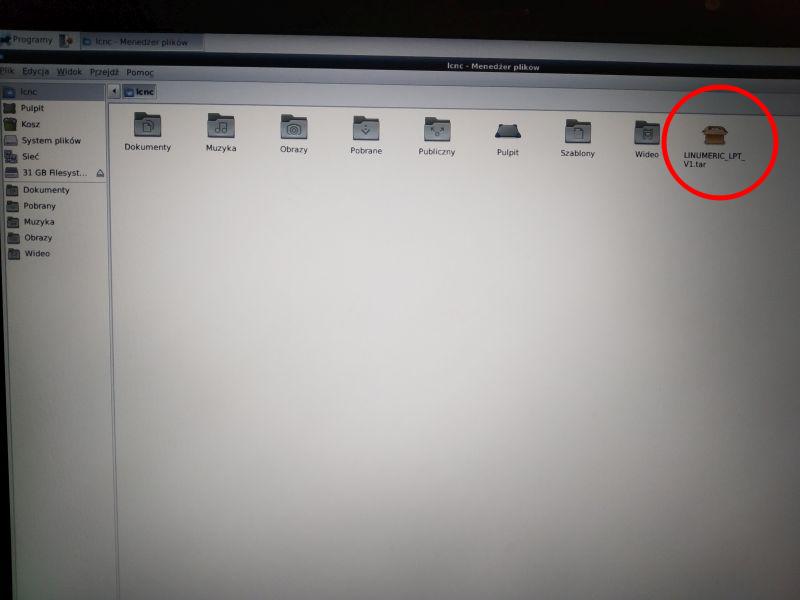
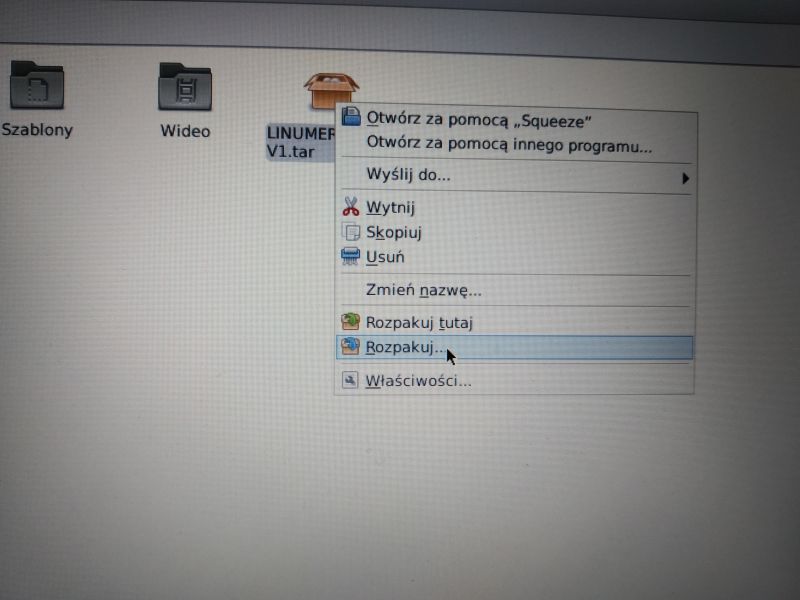
The package should be unpacked by right-clicking on it and choosing Unpack ...
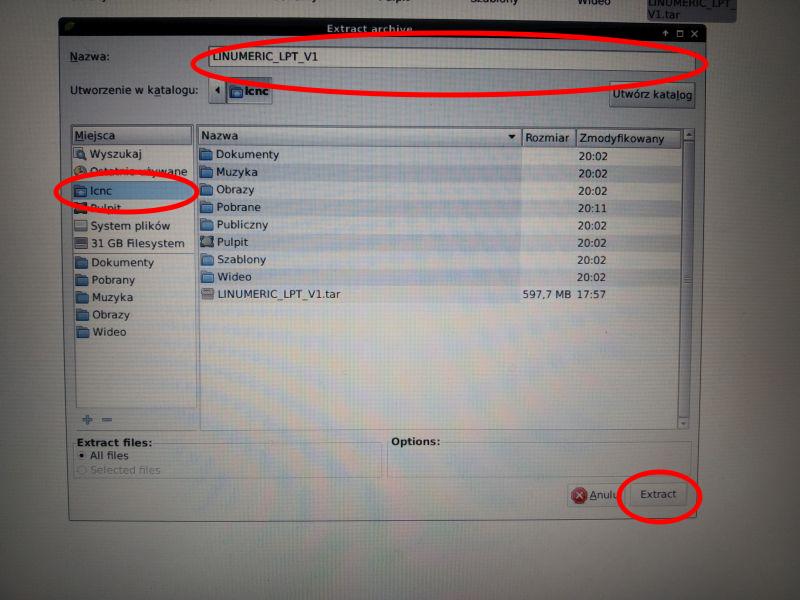
Select a location in the user directory (in this case home / lcnc /) and name LINUMERIC_LPT_V1
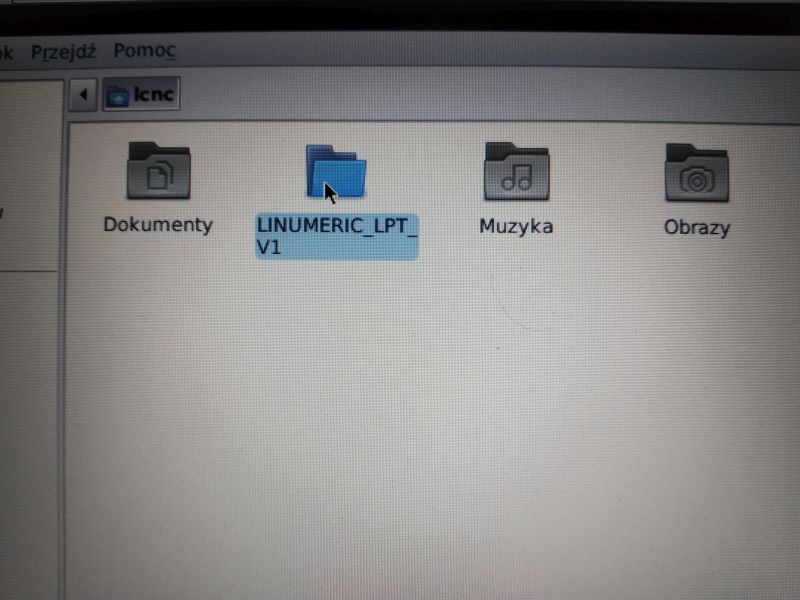
After unpacking, the downloaded package LINUMERIC_LPT_V1.tar can be removed from your computer.
WARNING! There must be no spaces in the path to the LINUMERIC_LPT_V1 directory.
Then enter the LINUMERIC_LPT_V1 directory
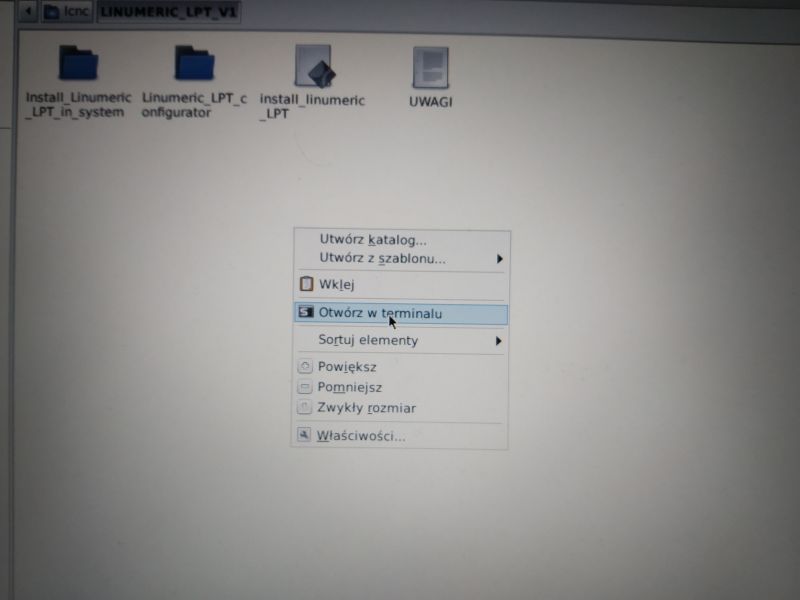
Right-click on an empty background in the LINUMERIC_LPT_V1 directory and select Open in terminal
Enter in the terminal
./install_linumeric_LPT
and press Enter.
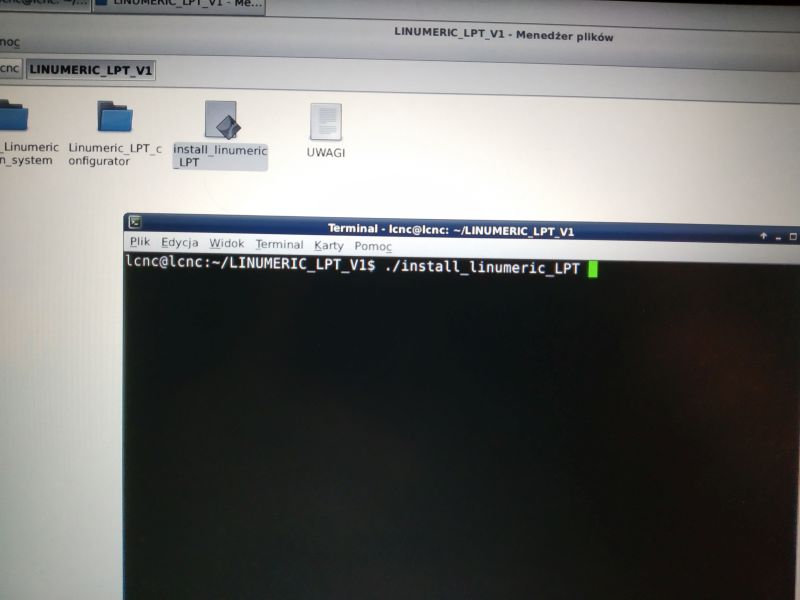
The installation script will start, asking for the user password

Enter the password and press Enter. Installation begins, which can take up to several or several dozen minutes, depends on the speed of the connection and the computer.
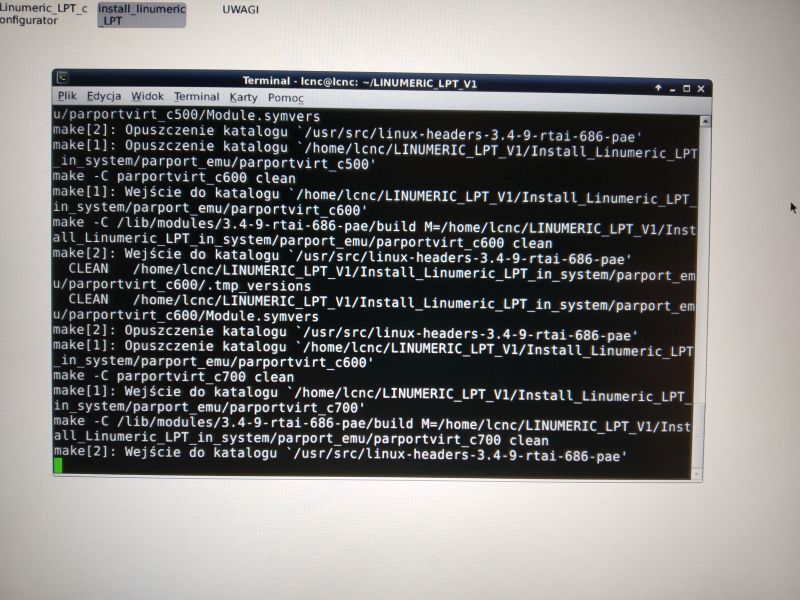
After the installation is finished, the following message will appear in the terminal:
Done.

Close the terminal.
LinuxCNC version 2.9 with Linumeric-LPT support is already installed on the system.
After installation, a new icon will appear on the desktop - Linumeric-LPT configurator
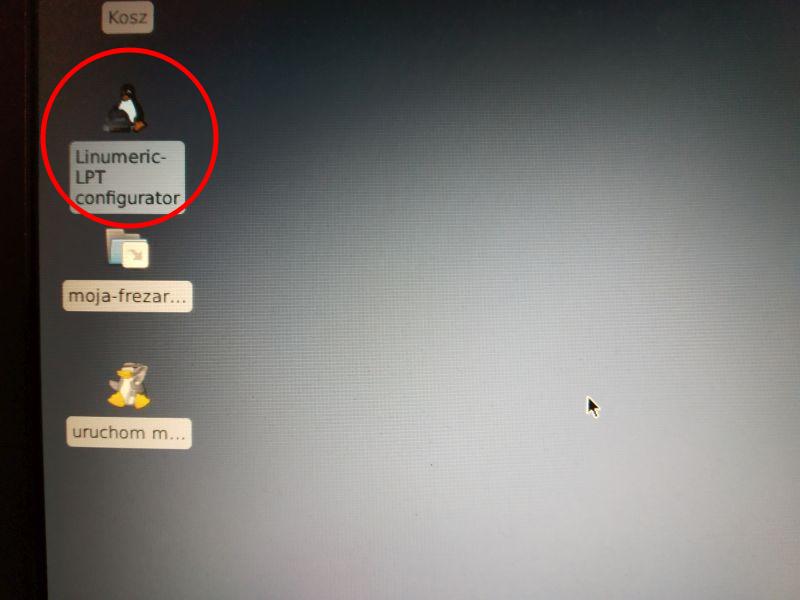
Linumeric-LPT configurator is a simple application for testing and configuring Linumeric-LPT.
In addition, two new parallel ports will appear in dev. If the Computer has a hardware LPT port then it will have the lowest number, the added ports will have higher numbers in order for the addresses 0xC100 and OxC200, respectively.
To check it in the terminal enter the command:
sudo ls / dev / parport *
and press enter.
If the computer has a hardware LPT port then we should get the result:
/ dev / parport0 / dev / parport1 / dev / parport2
However, if the computer has no parallel ports, we should get the result:
/ dev / parport0 / dev / parport1
Still a little optimization. Because real-time processes use the processor cores in the order from the last one, if we have more than one core, it is worth excluding it from use for the system so that it remains completely available to the RT process. So we start the terminal and type the nproc command and hit enter. The number of processor cores will appear. We close the terminal and run the Grub-customizer program.
He will ask for a password, so type in and hit enter
Go to the general settings tab and enter which core to isolate. The isolcpus command is responsible for this. Note, the cores are numbered from 0, so if we have, for example, 4 cores, they have the numbers 0, 1, 2, 3 and then enter the number 3. If the processor has, for example, 4 cores and each core supports 2 threads, we have 8 cores and then
we enter the last 2 numbers, i.e. 6.7.

Click the Save button to make the grub update. We close the program. Now it's worth restarting your computer.
The device should be tested after installation. I invite you to read the article: Test and configuration of Linumeric-LPT v1